

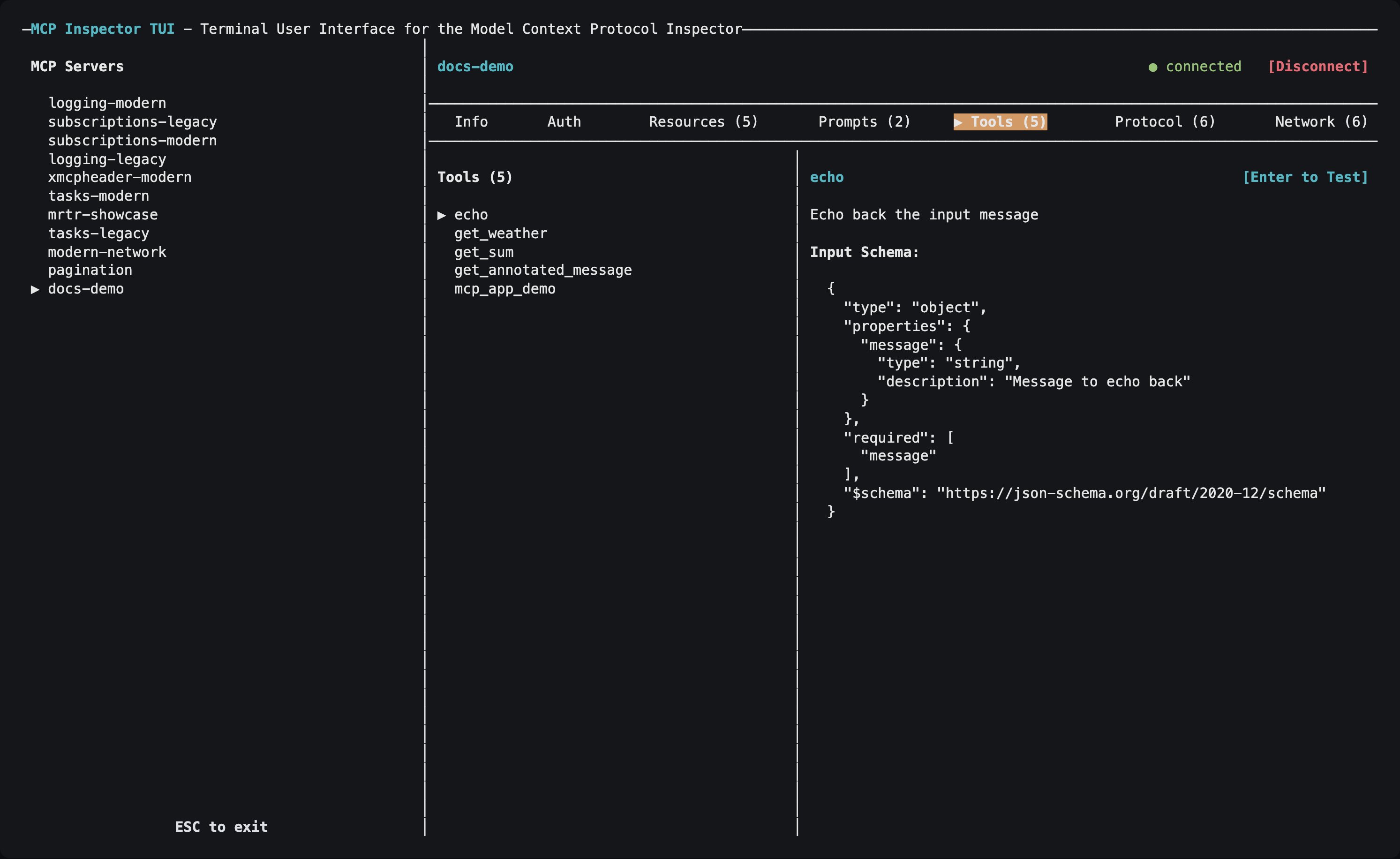
The TUI connected to a server, on the Tools tab, showing a tool's input schema.
Choosing servers
Unlike the CLI, the TUI has no--server <name> flag for picking one entry: it reads its servers from a catalog or config file, loads every server in it, and lets you pick from an on-screen list:
--catalog nor --config, and no ad-hoc target, it uses the default writable catalog ~/.mcp-inspector/mcp.json. See Configuration and flags.
The TUI also takes the shared server-selection flags (--server-url, --transport, --header, -e, --cwd) plus --protocol-era for an ad-hoc server, and the OAuth client flags (--client-id, --client-secret, --client-metadata-url, --client-config, --callback-url).
Tabs
The accelerators avoid collisions rather than always taking the first letter: Protocol takes
p so Prompts takes m, and Console takes o because c is the global Connect action. Tasks takes s, its only free letter, so Subscriptions takes u and Skills takes k.
Auth, Network, and Console appear only for the transports they apply to; Subscriptions, Skills, and Tasks appear only once a connected server supports them.
Navigation
Press
? whenever no dialog is open for the full keybinding reference, including the keys specific to the active tab.
Authorizing an HTTP server
- Select an HTTP or SSE server and press
cto connect. - If the server requires authorization, the TUI starts OAuth automatically and opens the authorization URL in a browser.
- When the browser redirect lands on the TUI’s loopback listener, the connection finishes on its own, with no second
c. - Use the Auth tab to inspect the resulting OAuth state, or to clear it.
http://127.0.0.1:6276/oauth/callback. The port is fixed on purpose: a pre-registered (static) OAuth client, a Client ID Metadata Document (CIMD), or an enterprise-managed IdP all need a redirect URI known in advance. Register that URI once and it works across sessions. On a remote host where your browser is on another machine, forward the callback port so the redirect reaches this listener; see Callback URLs.
The trade-off is that only one TUI OAuth flow can hold the port at a time; a second concurrent flow fails with EADDRINUSE. To override it, pass --callback-url or set MCP_OAUTH_CALLBACK_URL: use a different fixed port per instance, or http://127.0.0.1:0/oauth/callback for an OS-assigned ephemeral port when your authorization server registers redirect URIs dynamically.
Per-server OAuth fields in the catalog (static client id/secret, scopes, the enterprise-managed flag) are applied automatically. Install-wide settings (CIMD, enterprise IdP) come from ~/.mcp-inspector/storage/client.json, the same file the web client’s Client Settings dialog writes. Point at a different one with --client-config or MCP_CLIENT_CONFIG_PATH.
See Authorization for the full picture.
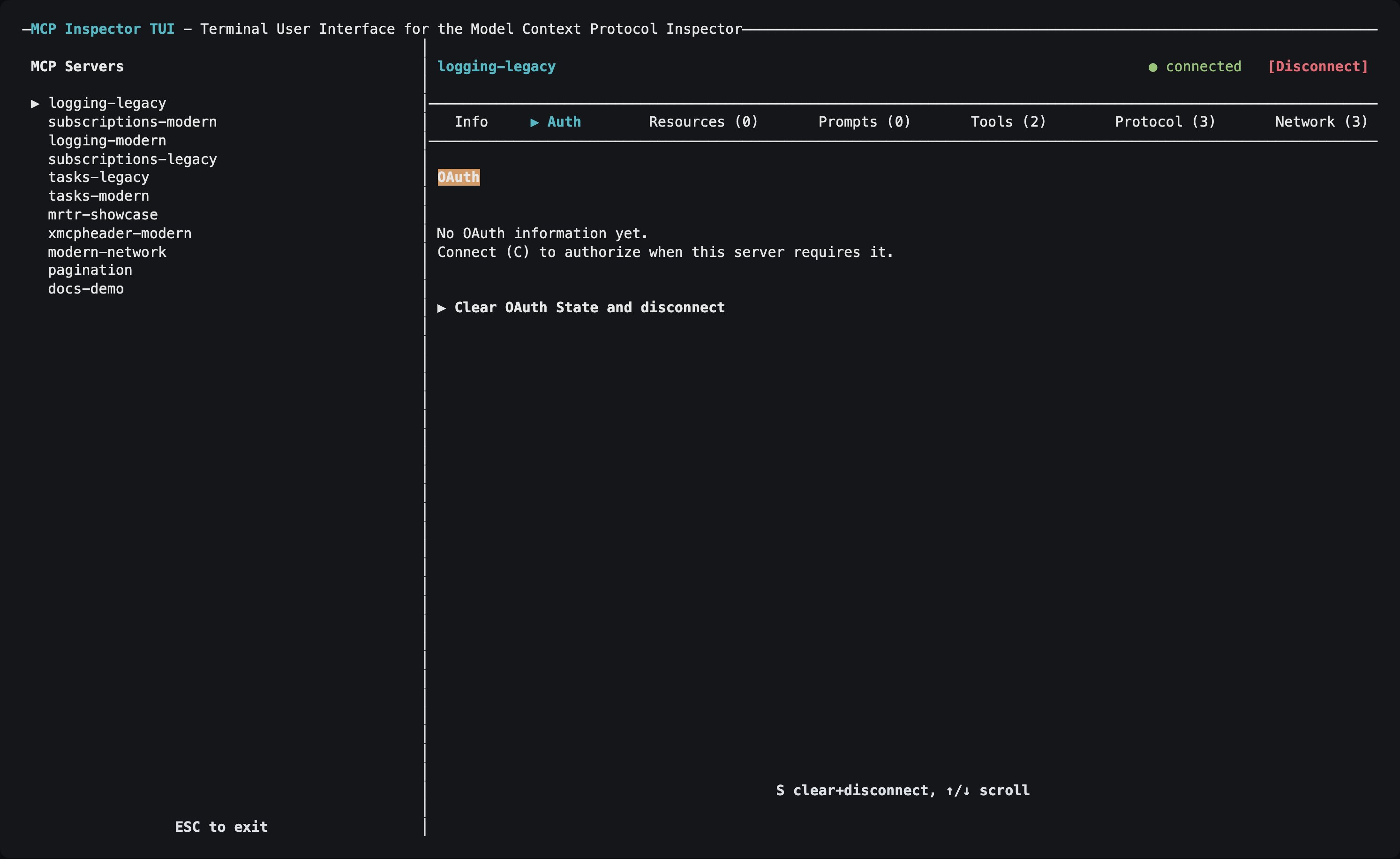
The Auth tab. It shows the same OAuth fields as the web client's Connection Info or, before any authorization has happened, says there is no OAuth information yet.